Get Computer Name |

|

|
|
Get Computer Name |
|
|
Get Computer Name |
|
|
|
Get Computer Name |
|
|
The ProCodeBlock class makes it easy to get the COMPUTERNAME using an API call.
You can do this by:
Getting the COMPUTERNAME with the #CODE Template
To get the COMPUTERNAME with the #CODE template, just insert the template in any embed point (such as the Accepted event of a button or menu selection)
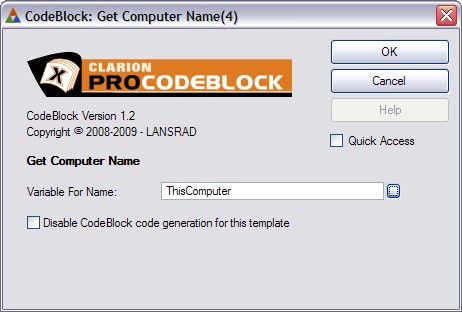
Then just enter the name of the STRING variable to receive the name (without quotes) and click Ok.
That is all there is to it!
Getting the COMPUTERNAME with hand code
To get the COMPUTERNAME with hand code, use the following syntax:
ThisComputer = CodeBlockUtil.CodeBlockGetComputerName()
Note: This example assumes a STRING var called ThisComputer large enough to hold the name of the computer as returned by the API call