Adding the Global Extension Template |

|

|
|
Adding the Global Extension Template |
|
|
Adding the Global Extension Template |
|
|
|
Adding the Global Extension Template |
|
|
To add ProArchive to your application, go to the Global Extensions, click INSERT and highlight the PSProArchiveGlobal extension.
Then click SELECT to add the extension.
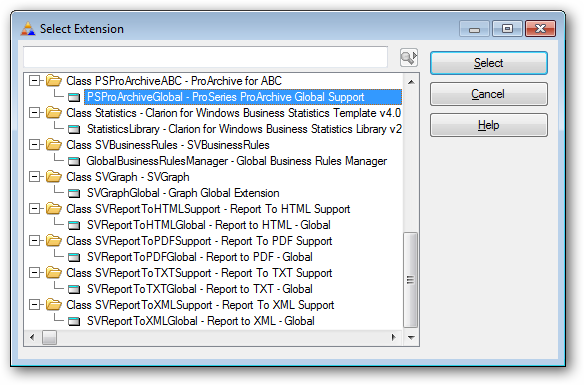
Click here for information on how to configure the global extension template.
NOTE: On Multi-DLL applications, you only setup the ProArchive file relationships in the Data DLL.
Click here for details on using ProArchive with Multi-DLL applications.