Installing the Template |

|

|
|
Installing the Template |
|
|
Installing the Template |
|
|
|
Installing the Template |
|
|
Download and run the ProArchive Installer using the details provided with your registration E-mail.
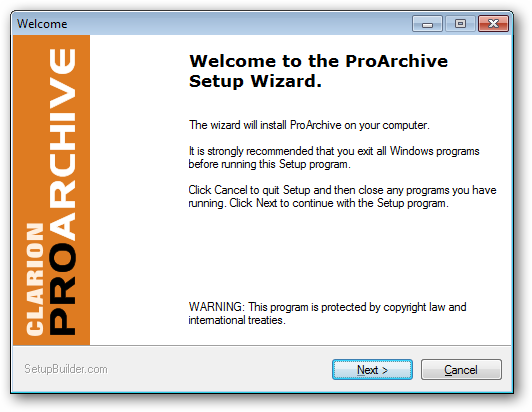
Follow the installer prompts to select the version of Clarion that you are using with ProArchive.
Complete the installation to install the template, help files and examples.
We suggest that you use the default paths unless you have a reason to change them.
You should also allow the installer to register the template for you.
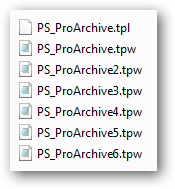
If you do not allow the installer to register the template, then you will need to register the PS_ProArchive.tpl file manually before you can use ProArchive.
Installed Files
The following files are installed by this template: