Configure ProArchive Application Settings |

|

|
|
Configure ProArchive Application Settings |
|
|
Configure ProArchive Application Settings |
|
|
|
Configure ProArchive Application Settings |
|
|
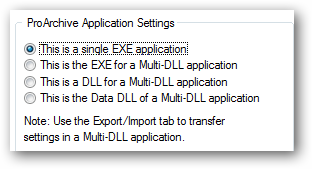
Your selection tells ProArchive how to generate code for the application.
●Single EXE application
●The EXE for a Multi-DLL application
●A DLL for a Multi-DLL application
●The Data DLL for a Multi-DLL application
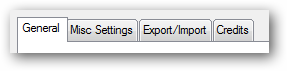
Note: When you select one of the Multi-DLL options, an Export/Import tab will appear on the global template. If the type of application is set to EXE, the tab is hidden.