Set Browse Attributes based on archive mode |

|

|
|
Set Browse Attributes based on archive mode |
|
|
Set Browse Attributes based on archive mode |
|
|
|
Set Browse Attributes based on archive mode |
|
|
To set Browse Attributes based on archive mode, first click the INSERT button.
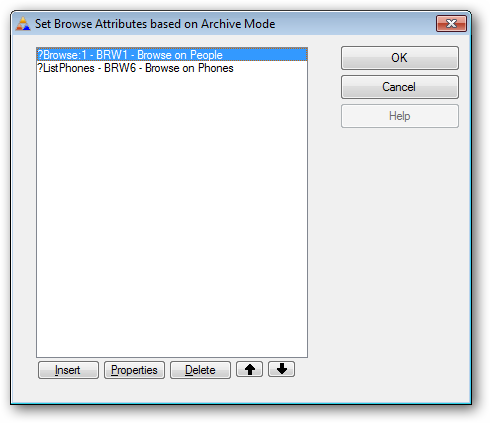
To make this process as automated as possible, there are just two steps needed in most cases:
1. Click the drop list and select the browse or listbox that you want to manage.
2. Click the button below the drop list to activate the template code to extract the data needed from the browse or listbox that you selected.
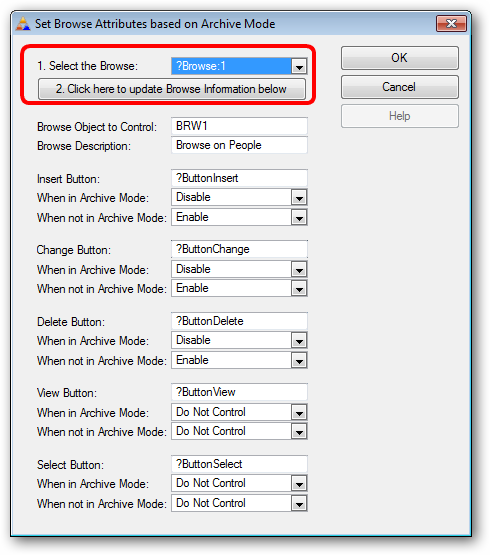
Each of the browse button control FEQs ( such as ?ButtonInsert ) will be populated for you if the template is able to retrieve the values.
The normal actions for these items will also be set by default for you.
However if you want to change the action of any item, you can use the droplist below the FEQ to change the attribute for the control when it is in either mode.