Related Code Template |

|

|
|
Related Code Template |
|
|
Related Code Template |
|
|
|
Related Code Template |
|
|
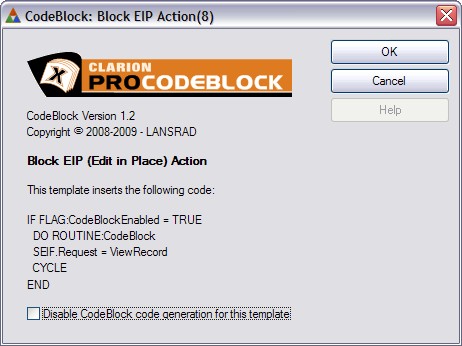
To manually block an EIP (Edit in Place) action you need to add these lines of code in the Accepted event of the INSERT, CHANGE and DELETE buttons.
While you can use hand code to block the EIP action as shown here, there is also a #CODE template that you can use to make it easier.
Note: The #CODE template generates the exact same code as shown in the link above.
To use the #CODE template, select the EIP button where you want to add it
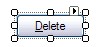
then right-click and select the EMBEDS option:
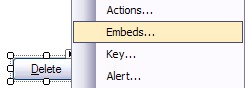
Highlight the Accepted embed and press or click INSERT
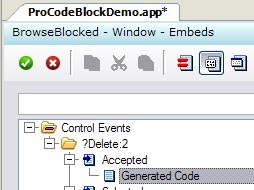
Then type CODEBLOCK and select the PSCodeBlockEIPAction template.
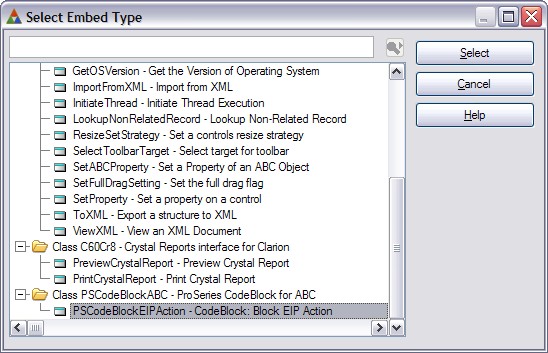
Then click the SELECT button to insert the #CODE template at that embed point.
NOTE: In Clarion 7 Build 5349 there were some instances in testing where inserting a #CODE template in this manner would cause C7 to stop responding and die.
This is NOT a ProCodeBlock problem!
Hopefully this bug will be fixed in the next release.
TIP: Our testing also revealed that if you select the procedure where the EIP is in the procedure tree, then click EMBEDS and go to the button embed that way (instead of from the Window Designer), that it always works without error.