Adding the Global Extensions |

|

|
|
Adding the Global Extensions |
|
|
Adding the Global Extensions |
|
|
|
Adding the Global Extensions |
|
|
|
|
||
Before you add ProImage to your application, be sure you have added the ImageEx global extension and set it to LIB or DLL mode as needed.

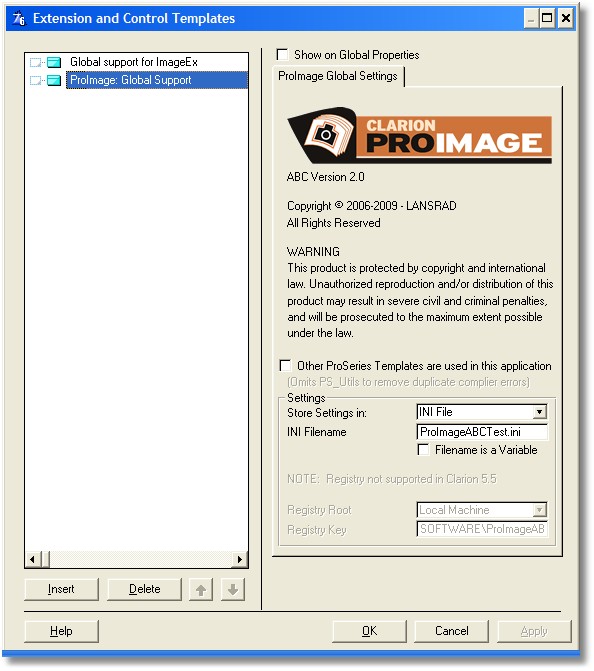
Next add the ProImage global extension. Note that Clarion will present you with either the ABC or Legacy template automatically - depending on how your application is written.
Using Multiple ProSeries tools in the same program
ProScan, ProImage and other future ProSeries tools share a common library code to make it easy to maintain tools for parsing filenames and other common functions. When you add ProImage to a program that already has another tool in it, just check the box that says Other ProSeries Templates are used in this application. This will make sure that the prototypes for these classes are only included one time and will remove duplicate symbol compiler errors.
A note for ProScan users:
ProScan can be used in an application with ProImage by simply adding the ProScan global extension template and then checking the box on the global tab of ProImage. However you must have ProScan 1.5 (or better). Older versions are not compatible.
On the bottom of the global tab you will see a box labeled "Settings".
This is a hook to one of the utility classes that ship with all the Clarion ProSeries tools.
Click here for details