Adding the CODE template to the process embeds |

|

|
|
Adding the CODE template to the process embeds |
|
|
Adding the CODE template to the process embeds |
|
|
|
Adding the CODE template to the process embeds |
|
|
In addition to adding the ArchiveProcess extension to the Clarion process procedure, you also need to add the Move To Archive CODE template to the report.
First open the embeds for the process procedure and go to this level:
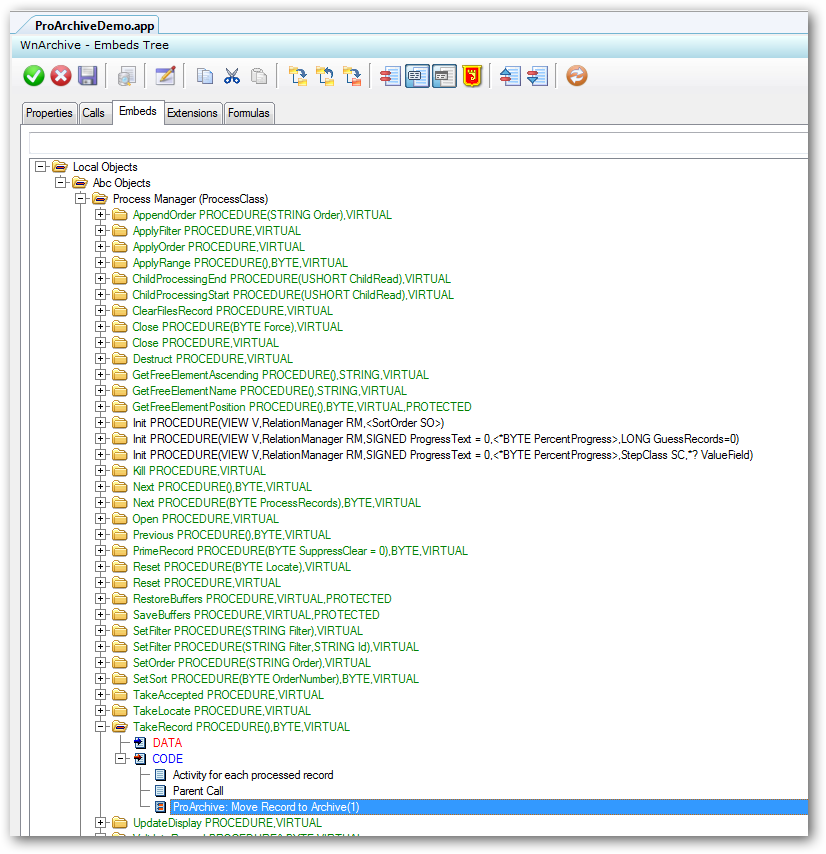
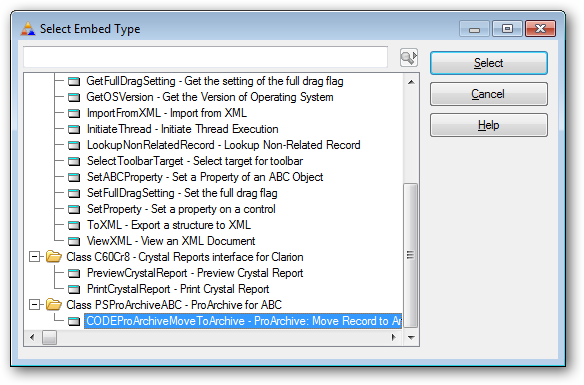
In the TakeRecord embed, AFTER the Parent Call, insert the ProArchive CODEProArchiveMoveToArchive template:
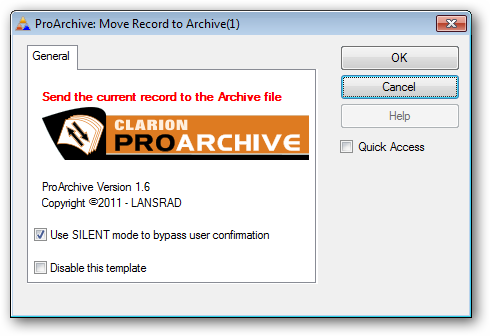
Be sure to check the Use SILENT mode option to suppress the user confirmation
That is all there is to it.
ProArchive will archive all of the records that match the criteria you set for the Clarion process.
Child records will be archived according to the template settings.