Configuring Primary Table Autoincrement Fields |

|

|
|
Configuring Primary Table Autoincrement Fields |
|
|
Configuring Primary Table Autoincrement Fields |
|
|
|
Configuring Primary Table Autoincrement Fields |
|
|
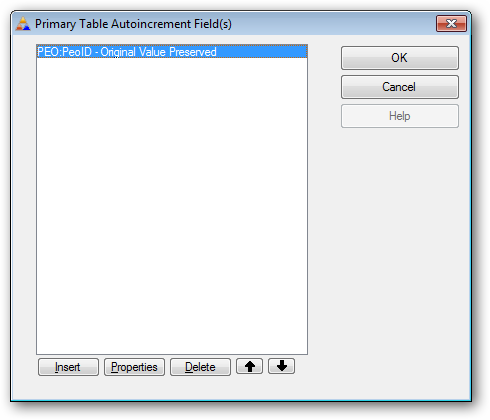
If you have enabled the preservation of autoincrement fields in the primary table, you need to tell ProArchive how the fields are configured.
First click the INSERT button to add an autoincrement field:
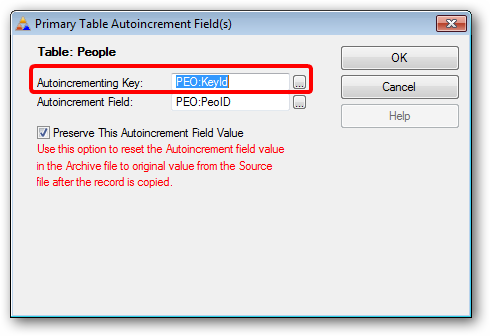
First click the lookup button to select the autoincrementing key:
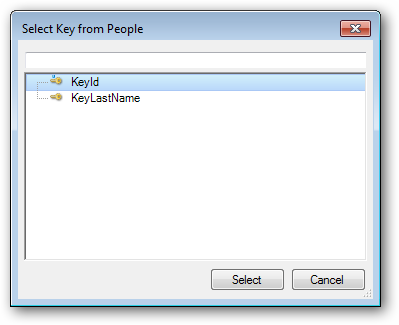
Then select the key from the list of keys available for the primary file.
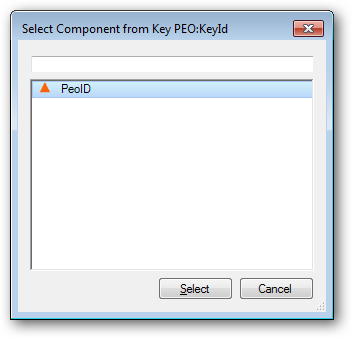
Next click the lookup button to select the autoincrementing field:
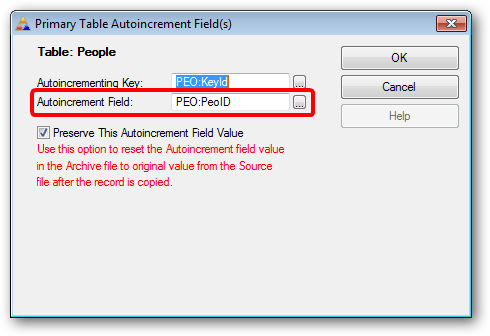
Then select the autoincrement field from the key components:
Repeat this for any other autoincrement keys.