DLL Support |

|

|
|
DLL Support |
|
|
DLL Support |
|
|
|
DLL Support |
|
|
CodeBlock works with Multi-DLL projects as well as local and standalone EXE applications.
In the General tab of the global extension template you have a simple checkbox that is used to correctly configure ProCodeBlock the way you need it.
For local and standalone EXE applications, you don't have to do anything.
For Multi-DLL projects the ProCodeBlock template will help you make the correct selection.
Multi-DLL Projects
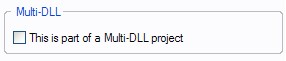
NOT A Multi-DLL Project
If the application is NOT a part of a Multi-DLL project, do NOT check this box.
Main EXE
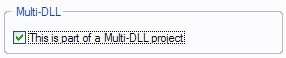
If the global template is being added to the Main EXE for the Multi-DLL project check this box.
DLL Options
The ProCodeBlock templates automatically detect a DLL extension and offers you a chance to declare it as the Data DLL. Use one of the following options as needed.
Data DLL
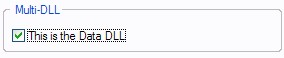
If this is the Data DLL for the project, check this box to export the ProCodeBlock declarations.
Other DLL
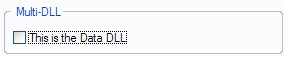
If the global template is being added to a DLL that is NOT the Data DLL, then do not check the box.