The Use Class As Utility Extension |

|

|
|
The Use Class As Utility Extension |
|
|
The Use Class As Utility Extension |
|
|
|
The Use Class As Utility Extension |
|
|
The ProCodeBlock Class code contains several utility procedures in it that you may want to use in other places in your programs (even when ProCodeBlock is NOT enabled).
To make this possible we have included a procedure extension template that you can use to create an instance of the ProCodeBlock class (with a different instance name from the generated code).
Note: This new instance of the class is NOT disabled when the Global CodeBlock Control is disabled.
To add the procedure extension click the EXTENSION button in the procedure tree. Then type CodeBlock and select the CodeBlock: Use Class Functions as a Utility template from the list as shown here:
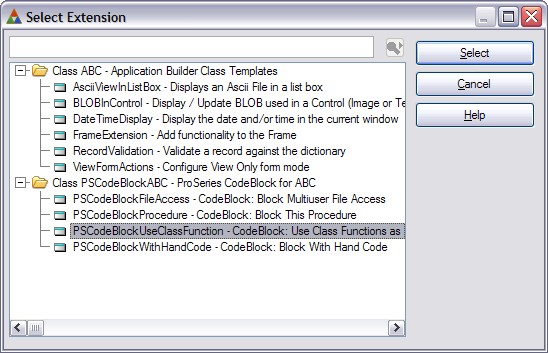
Then click SELECT to add this extension template to the procedure.
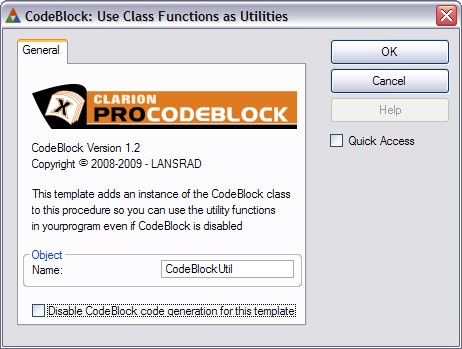
Object Name
By default the template will assign an object name of CodeBlockUtil.
You can change this if you want to, but you should NOT use either of these names:
ThisCodeBlock
ThisCodeBlockMulti
These names are reserved for code generated by the normal templates.
Using the ProCodeBlock Class Code
You can use the class code directly in your hand code, or you can use the #CODE templates to activate it as needed.
The functions available to you are:
Display Help Topic With ShellExecute