See cdWindowDim in action
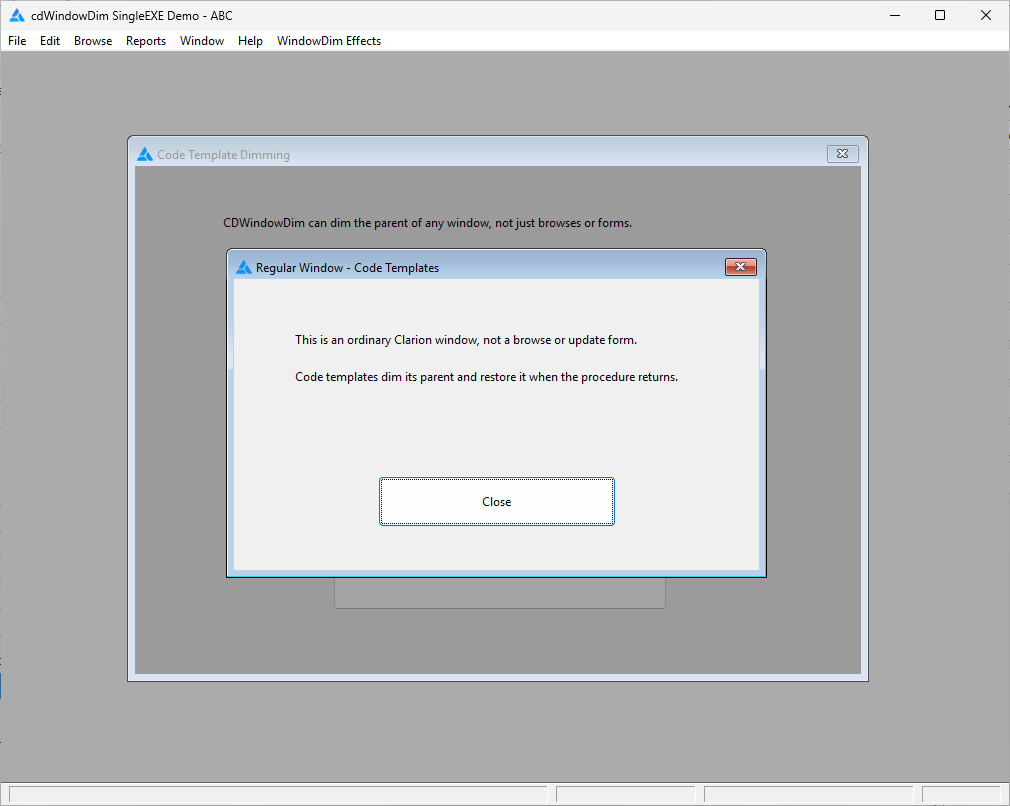
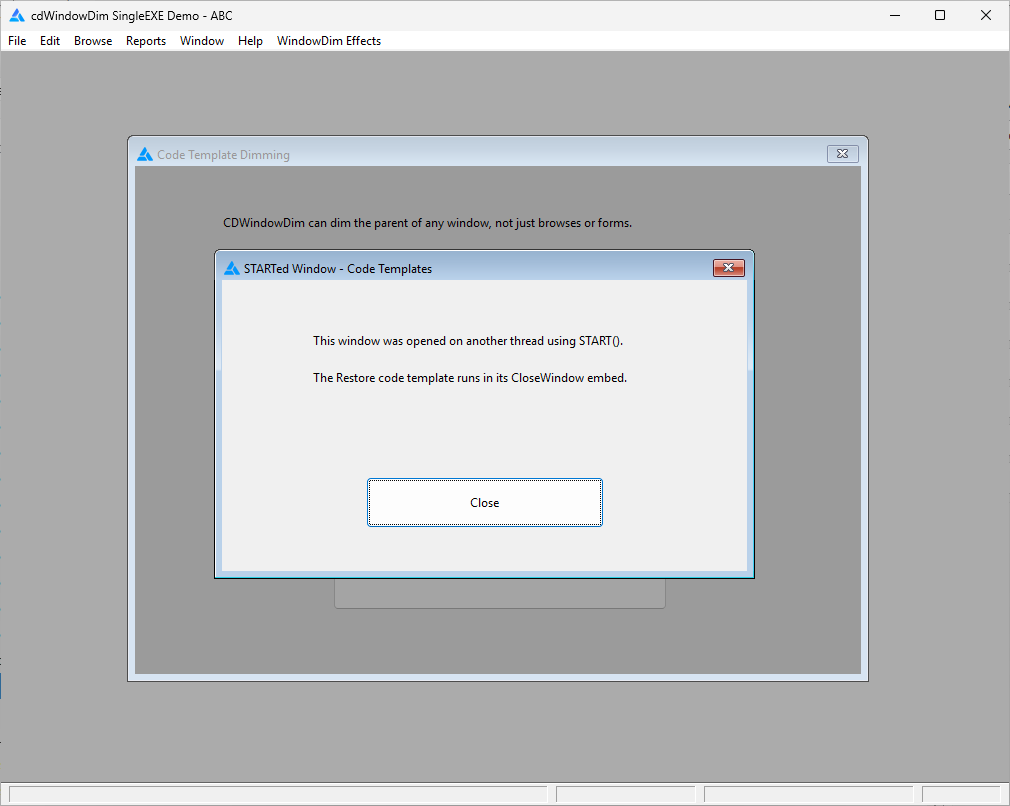
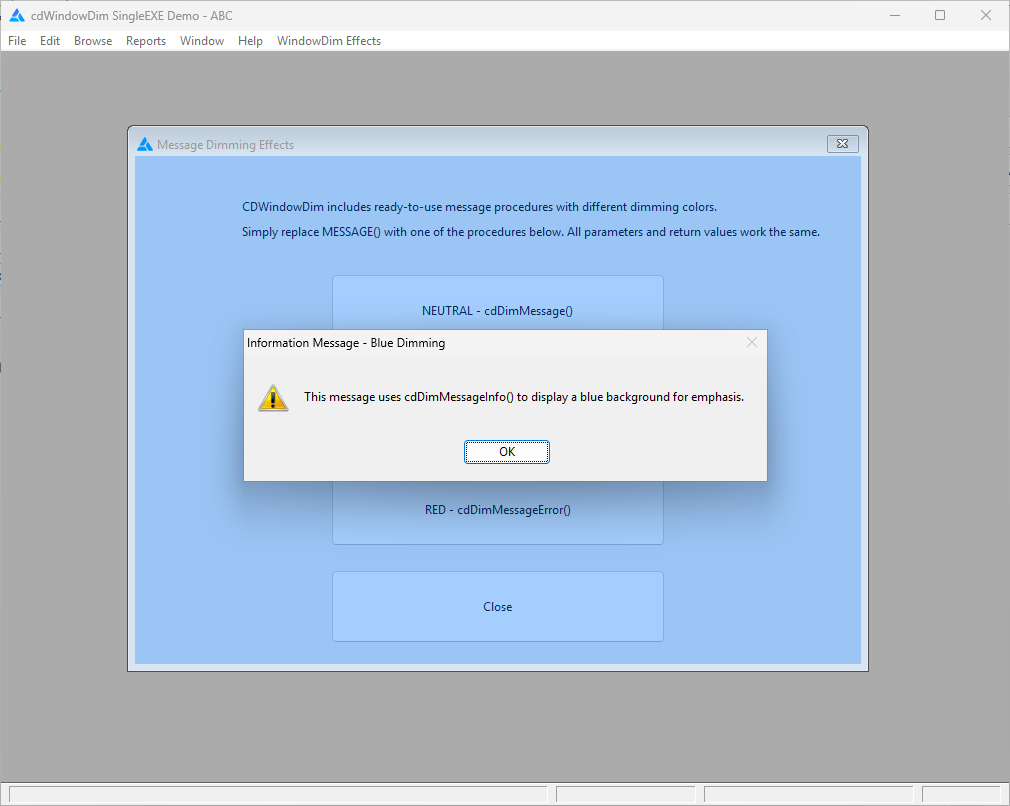
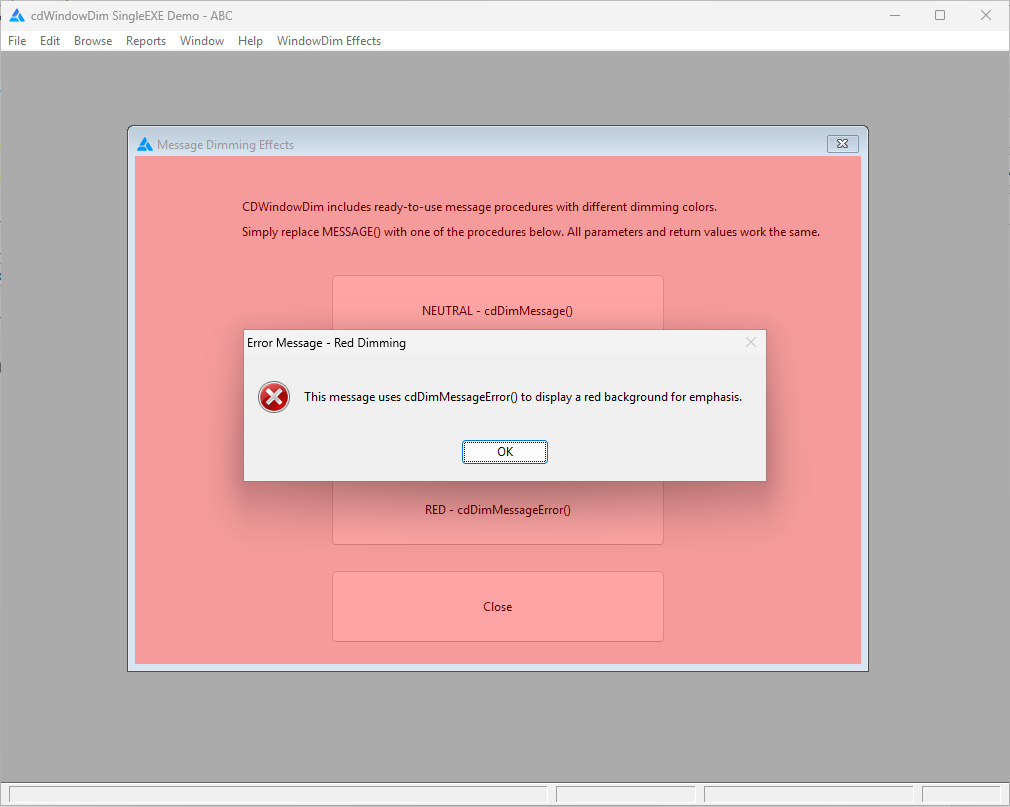
Draw attention to the active window
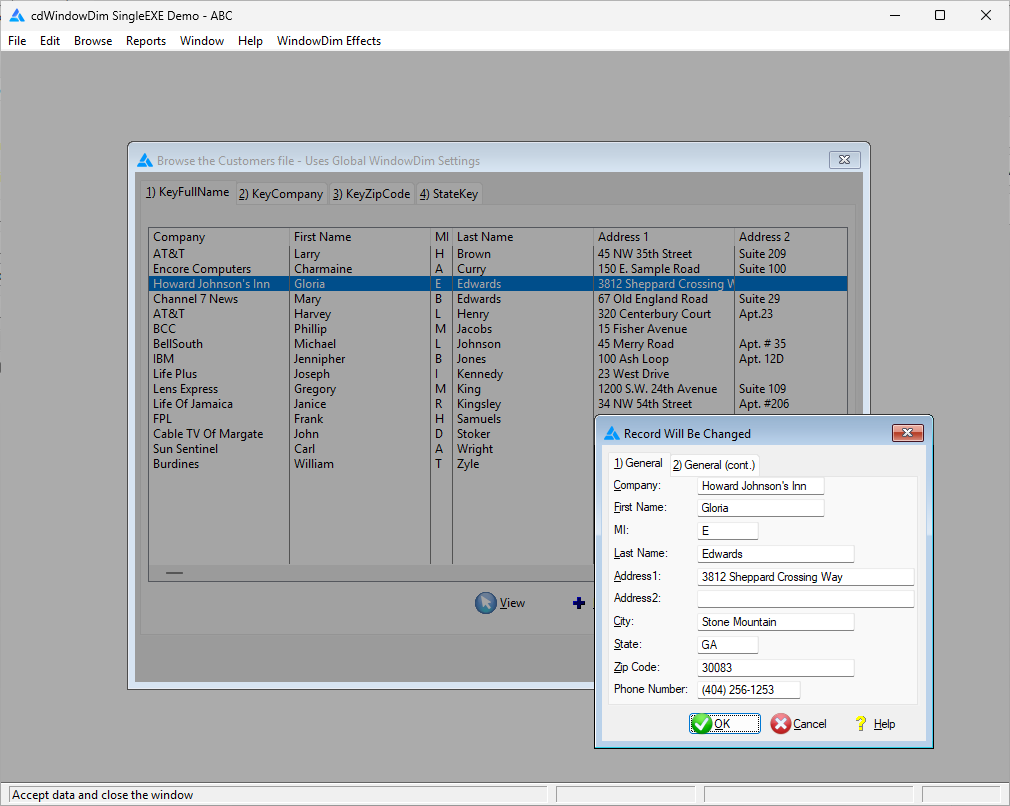
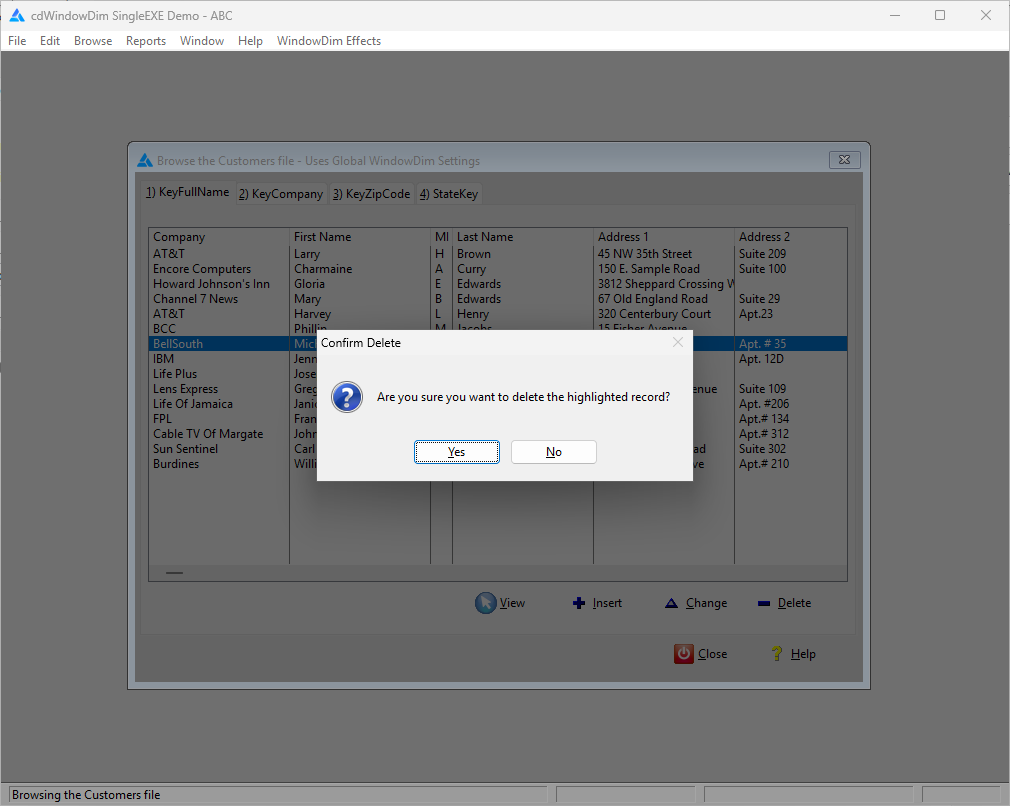
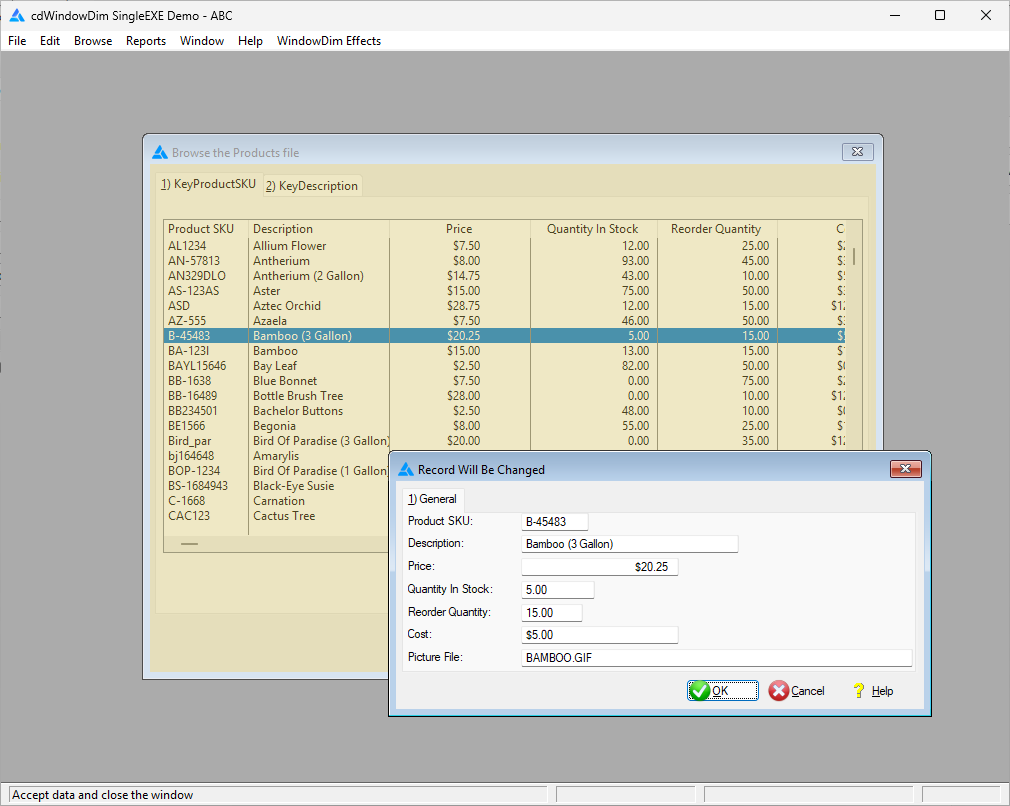
cdWindowDim keeps users focused on the current task. It dims a browse or parent window while a related update, child window, or message is active, then restores the background when the work is finished.
Get started with one global template
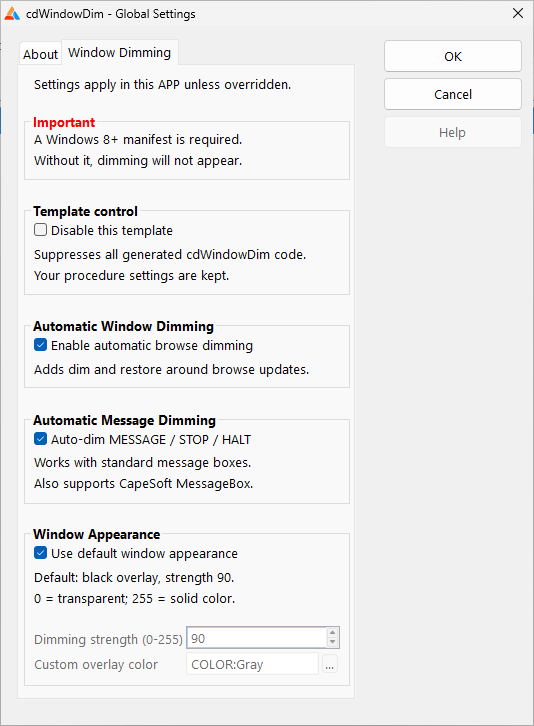
Add the global extension template and turn on automatic dimming. Supported ABC and Legacy browse/update workflows are handled across the application without adding a template to each individual window. Customize individual procedures when needed, or let users turn dimming on and off at runtime.
What cdWindowDim provides
- Automatic browse/update dimming. Background windows dim and restore as supported update procedures open and close.
- Automatic message dimming. Supports standard Clarion
MESSAGE(),STOP(), andHALT()calls and recognized third-party message boxes, including CapeSoft MessageBox. - Works with existing message systems. A small registration extension lets developers add automatic dimming to otherwise unrecognized or custom message-handler windows without replacing those systems or writing per-message dim/restore calls.
- Importable message windows. Ready-to-import message procedures offer another approach, including custom-colored informational and error messages.
- Flexible manual controls. Use code templates for ordinary windows and STARTed child windows outside the automatic browse/update pattern.
- Appearance and runtime options. Choose colors and dimming strength, override individual procedures, and optionally let users switch the effect on or off.
- Multiple active windows. Handles related child windows without restoring the parent prematurely.
- Single-EXE and multi-DLL support. Designed for real ABC and Legacy application configurations.
Why choose a Code Drop?
Getting a first version of a dimming routine to work isn't the same as shipping a dependable Clarion tool. We spent days refining this feature to coexist with different windows, message systems, and application arrangements. cdWindowDim gives you that finished integration for $24.95, rather than asking you to repeat all the development and testing.
Learn about the philosophy behind our Code Drops family.
Standalone or vuFileTools 5?
Want Window Dim without purchasing the larger utility library? Choose this standalone Code Drop.
Window Dim was developed as an enhancement to vuFileTools 5. It is included at no additional charge for existing licensed Version 5 users, while developers with older vuFileTools versions can upgrade.